
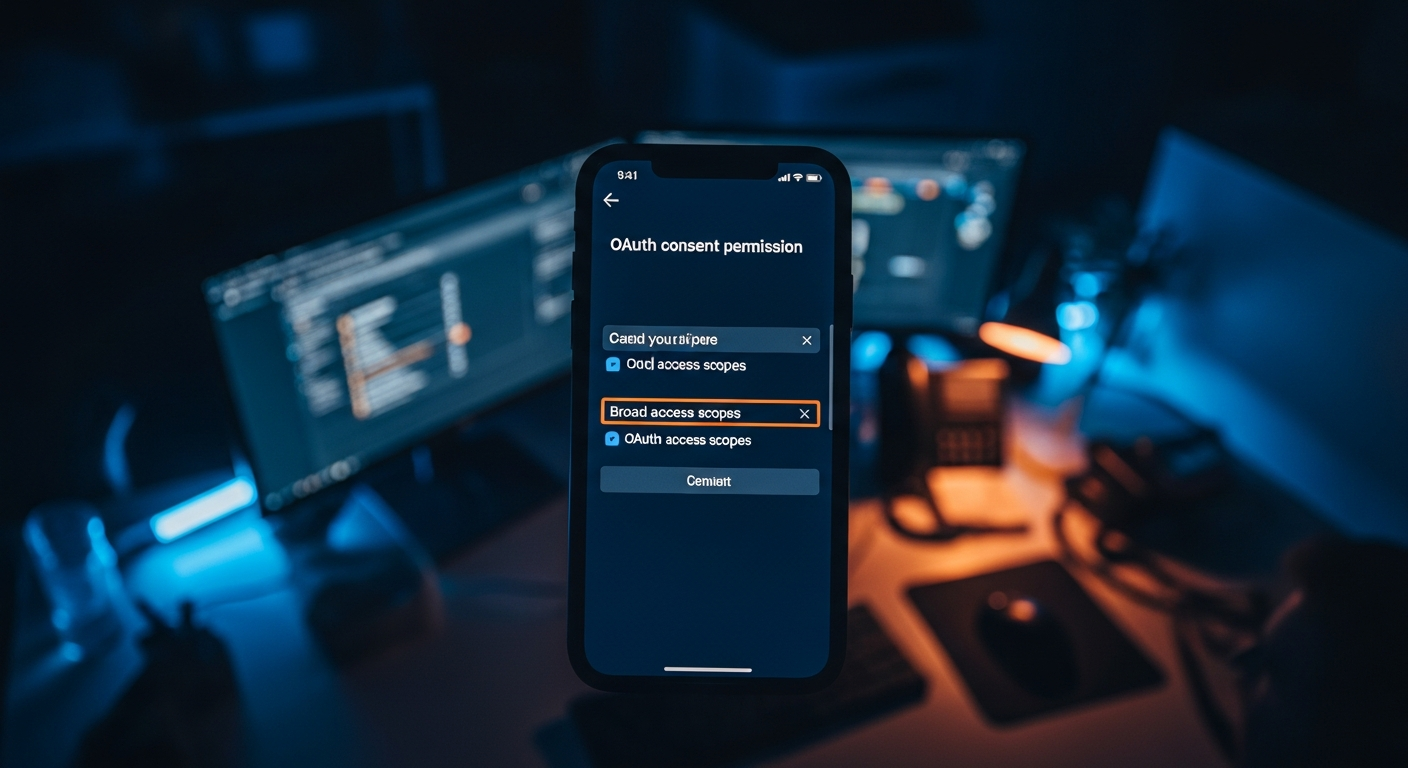
One of the most underestimated attack vectors hitting small and mid-sized businesses right now is the exploitation of cloud application permissions. Attackers never need your password. They convince a user — or exploit a misconfigured system — to grant a malicious third-party application access to your entire cloud environment. By the time most organizations notice, months of email, files, and calendar data are already gone. This post explains the mechanism, what the data shows, and what a defensible posture actually looks like.
- What Is OAuth Abuse and Why Does It Bypass Traditional Controls
- The Threat Landscape: What 2024 and 2025 Breach Data Reveals
- Who It Affects: Small Businesses Are the Primary Target
- Real Examples: How This Attack Actually Works
- What CISA and Microsoft Say About This Risk
- Defense Posture: What a Hardened Tenant Looks Like
- What to Ask Your IT Firm Right Now
What Is OAuth Abuse and Why Does It Bypass Traditional Controls
OAuth is the open authorization standard that lets one application access data in another without sharing credentials. When you click “Sign in with Google” or connect a project management tool to your Microsoft 365 calendar, you are using OAuth. The mechanism is legitimate. The problem is how permissions — called “scopes” — get granted, and how rarely anyone reviews or revokes them.
When a malicious actor exploits OAuth, they typically do one of three things. First, they register a convincingly named malicious application on a legitimate cloud platform and craft a consent URL that tricks a user into granting it broad permissions. Second, they compromise an existing legitimate third-party app that already holds high-privilege access to your tenant. Third, they exploit a permissive app-consent policy that lets any user — not just administrators — grant application access without oversight.
The critical point: once an OAuth token is granted, the attacker has persistent access that survives password resets and multi-factor authentication changes. The access lives in the token, not in a stolen credential. Traditional login monitoring does not catch this. That is why illicit consent grant attacks are underreported relative to how often they actually happen.
The Threat Landscape: What 2024 and 2025 Breach Data Reveals About Cloud Permission Exploitation
The FBI’s Internet Crime Complaint Center (IC3) 2023 annual report — the most recently published full-year dataset as of mid-2025 — recorded over $2.9 billion in losses attributed to business email compromise. That category increasingly includes cloud account takeover through consent-based attacks, not just password theft. And that figure only reflects complaints that were filed.
CISA’s Secure Cloud Business Applications (SCuBA) project — released and updated from 2023 through 2025 — dedicates significant guidance to this exact threat. SCuBA’s baseline configuration recommendations for both Microsoft 365 and Google Workspace explicitly flag overpermissioned third-party integrations as a high-risk misconfiguration found in the majority of cloud tenants assessed.
In January 2025, Microsoft’s Threat Intelligence team published research documenting how the Storm-0408 threat actor cluster ran sustained campaigns against small business Microsoft 365 tenants using illicit application registration as their primary persistence mechanism. These groups specifically targeted tenants where user-level consent was enabled and no app governance policy existed — which describes the default configuration for most small business Microsoft 365 deployments.
A 2024 Proofpoint report on cloud account compromise found that 94% of cloud tenants they monitored experienced at least one suspicious consent event over a 12-month period. Fewer than 30% had any alerting or response process in place. The gap between exposure and awareness is striking.
Google Workspace environments carry comparable risk. Attackers have registered applications through Google’s developer console using names that closely mimic legitimate productivity tools — “Drive Sync Pro,” “Calendar Backup,” “Workspace Sync Lite” — then distributed consent-grant phishing links through compromised email accounts, creating a self-propagating permission chain across organizations.
Who It Affects: Small Businesses Are the Primary Target
Enterprise organizations with dedicated security teams typically have conditional access policies, app governance controls, and periodic permission audits in place. Small businesses almost never do. The default configuration of both Microsoft 365 and Google Workspace allows any user to grant third-party applications access to their account data — and in many configurations, to organization-wide data — without administrator approval.
That is a predictable attack surface. Attackers know that a 25-person professional services firm is far more likely to have an unreviewed permission grant made by a well-meaning employee than a 2,000-person enterprise. The economics favor targeting volume over any individual organization’s data value.
Businesses that handle sensitive client data and operate under regulatory frameworks — healthcare, financial services, legal, professional consulting — face compounded exposure. A cloud permission compromise incident in one of these environments is not just an IT event. It is a potential notification obligation under HIPAA, state breach notification laws, or client contractual requirements. The business consequence scales well beyond the technical incident.
Organizations that manage compliance on behalf of clients — consulting firms that carry client security questionnaires, for example — are particularly exposed. A compromise of their Microsoft 365 or Google Workspace tenant is simultaneously a compromise of client deliverables, client data, and client trust.
Real Examples: How OAuth App Permission Abuse Actually Works
Understanding the mechanics helps. Here are the primary attack patterns documented in 2024 and 2025 disclosures:
- Consent phishing via lookalike app registration: An attacker registers an application named “Microsoft Secure Email” or “Google Drive Backup Utility” on the legitimate Microsoft Azure or Google Cloud developer console. They send a phishing email with a legitimate-looking OAuth consent URL. When a user clicks “Allow,” the attacker’s application receives persistent access to that user’s mail, calendar, and files — no password involved. This is a textbook example of how OAuth app permission abuse is carried out in practice.
- Supply chain pivot through a compromised integration: A legitimate third-party tool a business uses — a CRM, a document signing service, a project management platform — is itself compromised or misconfigured. Because that tool already holds a token with broad permissions to the tenant, the attacker pivots from the third-party tool into the cloud environment without ever touching the login page.
- Overpermissioned legacy integrations: An application was connected to the tenant years ago for a task that no longer exists. The token was never revoked. The application itself may be abandoned or acquired by a different company with different security practices. Attackers actively scan for these stale, high-privilege tokens — they represent access nobody is watching. This form of cloud permission exploitation preys on neglect, not deception.
- Privilege escalation via user-level consent: In tenants where users can grant application access without administrator approval, an attacker who compromises a single low-privilege employee account can immediately escalate by granting their malicious application full mailbox and file access. The compromise spreads without ever touching an admin credential.
What CISA and Microsoft Say About This Risk
CISA’s SCuBA project provides the clearest public-sector guidance available on this threat. The Microsoft 365 baseline specifically recommends that user consent for third-party applications be disabled entirely, with all consent requests routed through administrator approval workflows. The Google Workspace baseline makes equivalent recommendations around marketplace app access controls and domain-wide delegation restrictions.
Microsoft’s documentation on “illicit consent grant attacks” — published and updated through 2024 — describes the attack pattern in detail and provides specific configuration steps to mitigate it. These include enabling the admin consent workflow, restricting which applications can be consented to based on publisher verification status, and using Microsoft Defender for Cloud Apps to create governance policies that alert on anomalous permission grants. Microsoft’s guidance on detecting and remediating illicit consent grant attacks remains the definitive starting point.
The consistent message from both CISA and Microsoft: the default configuration is not a safe configuration. Out-of-the-box Microsoft 365 and Google Workspace deployments prioritize ease of use over security. Defending against these threats requires explicit hardening steps that most small business deployments never take.
For organizations working toward HIPAA or other compliance frameworks, CISA’s SCuBA baselines have become de facto reference configurations. Auditors are increasingly asking about app consent policies and third-party integration governance as part of technical safeguard reviews.
Defense Posture: What a Hardened Tenant Looks Like
Hardening a Microsoft 365 or Google Workspace tenant against malicious application permission grants requires changes in several areas. None of these are exotic — all are available within the platforms’ existing administrative controls. The problem is almost never capability. It is configuration and ongoing governance.
Disable user-level OAuth consent. No user should be able to grant a third-party application access to their account or organizational data without explicit administrator approval. Both Microsoft 365 (via Entra ID) and Google Workspace (via Admin Console marketplace settings) support this configuration. Enable it. This single step eliminates the most common pathway exploited in OAuth app permission abuse scenarios.
Audit existing permission grants immediately. Every connected application currently holding permissions in your tenant should be reviewed. Ask: Is this application still in use? Who granted it? What permissions does it hold? Is the publisher verified and reputable? Any application that cannot answer those four questions should have its permissions revoked. In Microsoft 365, this is visible in Entra ID under “Enterprise Applications.” In Google Workspace, it is visible under “Connected Apps” in the Admin Console. Most organizations find applications in these lists that nobody recognizes.
Implement app governance alerting. Microsoft Defender for Cloud Apps includes a governance module specifically designed to monitor application behavior and alert on anomalous activity — unusual data access, permission escalation, new consent events. This capability exists and is included in several Microsoft 365 licensing tiers. It needs to be configured and monitored by someone with clear accountability for your cloud environment’s security.
Establish a third-party integration approval process. Every new application requesting access to your tenant should go through a documented approval workflow — a simple checklist covering business justification, minimum necessary permissions, and publisher vetting. It does not need to be complex. It needs to exist and be consistently followed. Preventing this class of attack is as much a process problem as a technology problem.
Review domain-wide delegation in Google Workspace. Domain-wide delegation allows a service account to act on behalf of any user in the organization. It is powerful and dangerous when misconfigured. Applications with this level of access should be extremely limited, regularly audited, and scoped to the minimum necessary permissions.
Include token revocation in your offboarding process. When an employee leaves, most organizations revoke their Microsoft 365 or Google account. Fewer revoke the application tokens tied to integrations that employee may have authorized. Those tokens persist and remain valid until explicitly revoked. Make token revocation a formal offboarding step to close this recurring gap — it is a frequently overlooked aspect of OAuth app permission abuse remediation.
For organizations subject to compliance requirements, connecting this work to a framework like CIS Critical Security Controls provides a structured way to prioritize and document these steps. Xact IT’s cybersecurity practice is audited annually against CIS IG2 controls — application governance and third-party integration risk fall directly within that framework’s scope. You can also explore our managed IT services to understand how ongoing monitoring and tenant hardening are maintained over time.
What to Ask Your IT Firm Right Now
If you work with a managed IT provider, these questions will tell you quickly whether your cloud tenant is protected against this threat or left in its default, vulnerable state.
- Have you audited the third-party applications connected to our Microsoft 365 or Google Workspace tenant in the past 12 months? What did you find?
- Is user-level consent disabled in our environment, or can employees grant application access without administrator approval?
- Do we have alerting in place for new consent events or anomalous application behavior in our cloud tenant?
- What is our process for vetting new third-party integrations before they are granted access to our environment?
- Is token revocation part of our employee offboarding checklist?
- Have you reviewed our configuration against CISA’s SCuBA baselines for Microsoft 365 or Google Workspace?
If the response to any of these is uncertainty, a vague answer, or a change of subject, that is diagnostic information. “We haven’t audited your connected apps” is itself a finding about your exposure to cloud permission exploitation.
This class of attack is underreported not because it is rare, but because organizations often do not know they have been compromised until months later — if they find out at all. A persistent token granted through a consent phishing event in January may not surface as a recognized breach until a later investigation connects the data exfiltration back to its source. By then, the business, regulatory, and reputational consequences are already moving.
The attack surface is real, documented by CISA and the FBI, and the fix is inside the administrative tools you already own. The question is whether anyone is doing the configuration work and maintaining it over time. For small businesses without dedicated internal security staff, that question should have a specific and auditable answer. Defending against OAuth app permission abuse is not an advanced security project — it is foundational cloud hygiene that every business relying on Microsoft 365 or Google Workspace should have locked down today.
Not sure whether your tenant is hardened against this?
In 20 years, we have not had a client breach. That does not happen by accident. Book a free 20-minute conversation with our team — no obligation, no pressure — and we will tell you exactly where your cloud environment stands.
Let’s Talk About Your IT Strategy
If anything in this post raised a question about your own environment, the fastest path to an answer is a 20-minute strategy call. We’ll look at your specific situation and tell you what we’d actually do about it.