
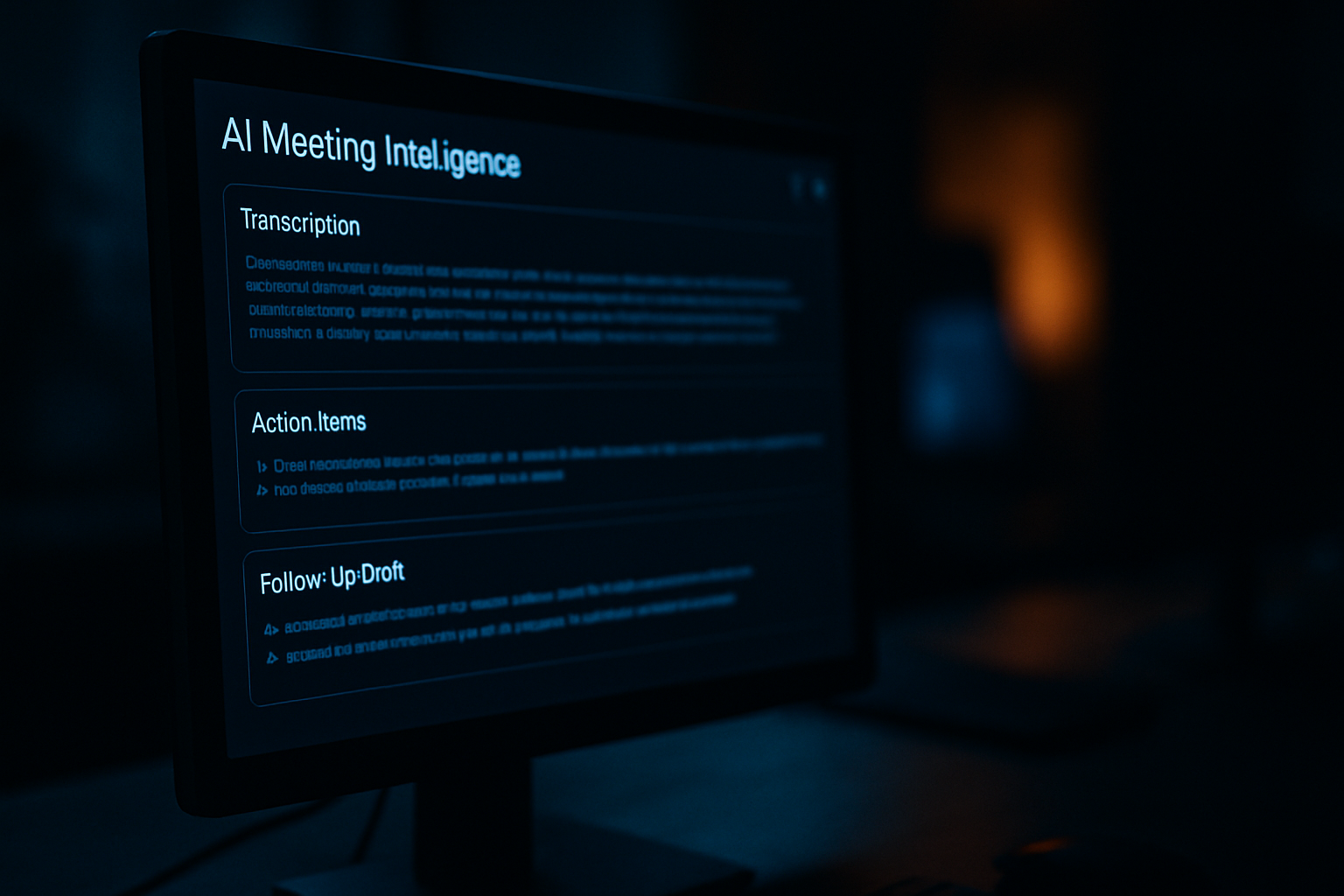
AI meeting intelligence – automatic transcription, action item extraction, and follow-up drafting – is one of the most immediately useful things a 20-to-200-person company can deploy right now. It is also one of the most commonly discarded. The pattern is nearly identical every time: a team tries a tool, enthusiasm runs high for two or three weeks, and then it quietly dies before the quarter ends. This post explains exactly why that happens and identifies the three configuration decisions that separate teams who get lasting value from those who treat it as a novelty.
- Why AI Meeting Intelligence Looks Easy to Adopt
- The 90-Day Collapse: What Actually Goes Wrong
- Decision One: Output Routing
- Decision Two: Accountability Tagging
- Decision Three: Calendar Integration
- What Operationalization Actually Looks Like
- The Real Cost of the Novelty Cycle
Why AI Meeting Intelligence Looks Easy to Adopt
The demo is always impressive. You connect the tool to your calendar, it joins a meeting, and within minutes you have a clean summary, a bulleted action list, and a draft follow-up email ready to send. For a business owner who has sat through dozens of meetings where nothing got written down and nobody followed up, this feels like a genuine breakthrough.
The friction is nearly invisible at this stage. The tool runs in the background. It does not ask anyone to change how they speak or behave. The output appears automatically. That is exactly why adoption feels effortless early on – and exactly why the cracks appear later.
The hard part of AI meeting intelligence is not the transcription. It is what happens to the output after the meeting ends. That is an operational question, not a technology question. Most small businesses never answer it.
The 90-Day Collapse: What Actually Goes Wrong
The failure mode is predictable once you have seen it a few times. In weeks one and two, people are genuinely delighted. Summaries appear in email inboxes. Someone pastes a follow-up draft into a client message and it works. Enthusiasm is high.
By week four, summaries are piling up in an inbox nobody checks for that specific purpose. Action items are being generated – but they live inside the meeting tool’s own interface, not wherever the team actually tracks work. Follow-up drafts sit in a folder. A manager has to manually move information from the AI output into the project tracker. That one extra step, small as it sounds, breaks the habit.
By week eight, only one or two people are still opening the summaries. By week twelve, the tool is still running on calls – because nobody turned it off – but the outputs are going nowhere. The team has reverted to exactly what the tool was supposed to replace: rough notes in a document, action items living in people’s heads, and follow-ups sent whenever someone remembers.
This is not a technology failure. It is an integration failure. The tool was never connected to the systems where work actually happens. Microsoft’s Work Trend Index research shows that knowledge workers spend a significant share of their week in meetings and on follow-up communication – which means a broken AI meeting workflow compounds its cost fast. The gap between what these tools promise and what teams actually get is almost always a process gap, not a product gap.
Decision One: Output Routing
The first decision that separates teams who make AI meeting intelligence stick from those who do not is output routing – the answer to one simple question: where does the AI output go, automatically, the moment a meeting ends?
The wrong answer is “to my email” or “into the meeting tool’s own dashboard.” Both require a human to take a deliberate action to move information somewhere useful. That deliberate action is the step that disappears under workload pressure.
The right answer depends on how your team works, but it almost always involves one of three destinations:
- Your project management system, where action items convert directly into tasks assigned to the right person
- Your CRM, if the meeting was client-facing and the summary belongs on a contact or opportunity record
- A shared team channel in your communication platform, where the summary is visible to everyone who needs it without requiring anyone to forward it
The configuration work here is real. Most AI meeting intelligence tools have native integrations with common platforms, but they require someone to set them up correctly and test them. A summary that routes to the wrong channel – or creates tasks in the wrong project – causes more confusion than no automation at all. Get this right before rolling the tool out to the full team.
One practical rule: if a human has to touch the output before it reaches its final destination, the routing is not finished. Keep configuring until the path from meeting end to actionable output is fully automatic.
Decision Two: Accountability Tagging
The second decision is accountability tagging – and this is where most small businesses hit a subtler problem. The AI can identify that someone said “I’ll handle that” during a meeting. What it cannot do, without configuration, is know which person in your task system matches the name it heard on the call, or how your team signals ownership of a deliverable.
Untagged action items are orphaned action items. “John will send the revised scope by Thursday” is useful as a note. It is far less useful than a task in your project tracker, assigned to the actual John, with Thursday as the due date, linked to the right project. The gap between those two states is the accountability gap.
Teams that close this gap do two things deliberately. First, they configure speaker identification so each voice on the call maps to a real person in the system – typically fifteen to thirty minutes of setup per team member plus a brief calibration period. Second, they define a clear ownership convention – a specific format or field that signals who is responsible for what – and ensure the AI output matches that convention before it routes to the task system.
Some teams add a lightweight review step: the person who ran the meeting spends three to five minutes checking the AI-generated task list before it is distributed. This is not a step backward from automation. It is quality control that makes the automation trustworthy. Teams that skip it find that people stop trusting the output – because a task assigned to the wrong person, or with the wrong date, is worse than no task at all.
Accountability tagging also surfaces something broader: whether your team has a shared, trusted system for tracking who is responsible for what. If you do not have that system, AI meeting intelligence will not create one for you. It will just make the gap more visible.
Decision Three: Calendar Integration
The third decision is calendar integration, and it is the one most teams skip entirely. Done correctly, it does two things that matter for making AI meeting intelligence operational rather than occasional.
First, it ensures the tool is present on every relevant meeting automatically – without anyone having to remember to invite it or start a recording. If team members must consciously activate the AI for each meeting, some meetings will always be missed. The summaries become a partial record, not a complete one, which means the system cannot be relied upon. Reliable systems get used; unreliable ones get abandoned.
Second, calendar integration gives the AI context before the meeting starts. Some tools pull in the meeting title, prior notes with the same attendees, and relevant information from connected systems. A client call reviewed against the history of prior calls produces a far more useful summary than one treated as if it is happening in isolation.
The configuration step is straightforward but requires a clear decision about permission scope – which calendars are included and which are not. For most small businesses, the right scope covers all work calendars for anyone with a client-facing or cross-functional role. Personal calendars and one-on-one performance conversations are typically out of scope.
This is also the moment to be direct with your team about what the tool records and where those recordings go. People cooperate with systems they understand. Transparency here is not just a courtesy – it is a practical adoption strategy.
What Operationalization Actually Looks Like
When these three decisions are made correctly, AI meeting intelligence stops feeling like a tool and starts functioning like a process. Meetings end, and within minutes the right people have the right information in the right system – without anyone chasing it down. Action items appear in the task tracker with owners and due dates. Client summaries land on the CRM record. The team lead gets a digest of what was decided without attending every call.
Teams that configure output routing, accountability tagging, and calendar integration correctly report that the tool becomes invisible in the best sense: it runs in the background, does its job, and nobody thinks about it until they notice they have not missed a follow-up in three months.
For a business with twenty to one hundred and fifty people, that kind of operational consistency is genuinely hard to achieve any other way. The bottleneck in most small businesses is not the quality of the people – it is the reliability of the handoffs between them. AI meeting intelligence, set up to route, tag, and integrate correctly, addresses exactly that bottleneck.
At Xact IT, this is the kind of AI implementation work we do for clients – not recommending a tool and walking away, but working through the configuration and process decisions that determine whether AI actually changes how a team operates. If you want to understand what that looks like applied to your environment, that conversation starts with a strategy call. Book a Free AI Strategy Call and we will show you exactly where your current workflow breaks down.
The Real Cost of the Novelty Cycle
Every time a team adopts an AI tool, gets excited, and then abandons it, there is a cost that never appears on the software bill. The team grows more skeptical of the next AI proposal. The executive who approved the pilot becomes less willing to approve another one. The internal champion loses credibility.
Over time, this cycle produces organizations that are genuinely resistant to AI adoption – not because they are technologically conservative, but because they have been burned enough times to be cautious. That caution is rational given their experience. It also means they are falling further behind competitors who figured out the operational side of AI earlier.
The answer is not more enthusiasm about AI. It is more rigor about implementation. The three decisions described here – output routing, accountability tagging, and calendar integration – are not glamorous. They do not make for a compelling demo. But they are the difference between a workflow that compounds value over time and one that gets quietly deleted before the ninety-day mark.
AI meeting intelligence is a genuine productivity lever for small businesses. The teams that pull it successfully treat it as an operational challenge from day one, not a technology experiment that might eventually become useful. The experiment phase is the pilot. Operationalization is a choice.
Let’s Talk About Your IT Strategy
If anything in this post raised a question about your own environment, the fastest path to an answer is a 20-minute strategy call. We’ll look at your specific situation and tell you what we’d actually do about it.